
When Everyone Can Generate an Image, Who Gets to Call Themselves the Creator?
The image appears in seconds. The prompt took a minute. Then come the harder questions: Who made it? Who shaped it? Who owns the decision?
When it comes to web maintenance, many companies immediately think of WordPress updates, plugins, or the site theme.
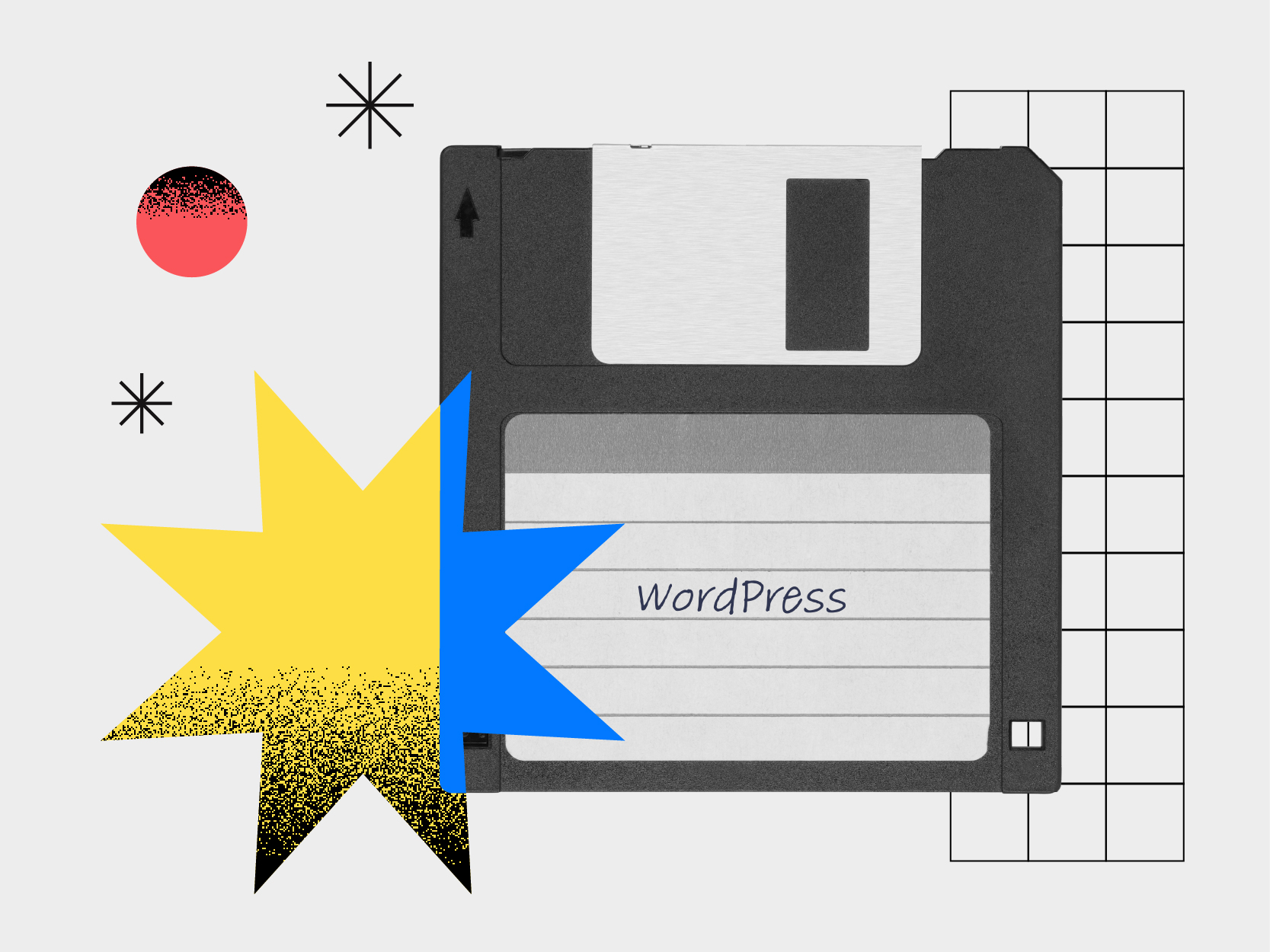
When it comes to web maintenance, many companies immediately think of WordPress updates, plugins, or the site theme. However, true site stability often begins well before the CMS itself: at the server and hosting level.
A website relies on a complete ecosystem. And when a problem occurs such as hacking, human error, failure, or file corruption, the ability to quickly restore the site becomes essential.
Here are 4 tips to better understand why server backups play a key role in the security and reliability of a website.
WordPress backup plugins can be useful, but they remain dependent on the CMS they are supposed to protect.
This means that if WordPress becomes inaccessible, a plugin causes a critical error, or a hack compromises the environment, the backups can become unusable as well.
An effective backup must be able to function independently of the site to guarantee a possible restoration, even in the event of a major problem.
Backups performed directly at the server or hosting level offer much more comprehensive protection.
They allow you to restore:
Even if WordPress stops working completely, the site can be brought back online quickly thanks to this independent approach.
Technical problems don’t just come from cyberattacks.
In many cases, interruptions are caused by:
These situations can make a site unusable in seconds.
A good backup strategy allows you to intervene quickly and restore a stable version of the site before the problem further affects the business.
A website is not limited to WordPress.
It also depends on:
Maintenance should therefore never be thought of solely within the CMS. A comprehensive approach better protects the site and ensures its long-term continuity.
Good web maintenance isn’t just about avoiding technical problems. It directly contributes to site stability, data security, user experience, and your company’s credibility.
A reliable and well-maintained site inspires more trust and more effectively supports your business goals.
WordPress backups are useful, but they should never be your only line of protection. A true maintenance strategy starts at the server and hosting level to ensure fast and reliable restoration, no matter the situation.
At Design Grafico, we support businesses in Montreal and Canada in the management, maintenance, and security of their digital platforms. Because a high-performing website must be designed to last, evolve, and remain accessible at all times.
The image appears in seconds. The prompt took a minute. Then come the harder questions: Who made it? Who shaped it? Who owns the decision?

Every few years, design is declared finished. A new tool arrives, production becomes faster, and the conclusion follows almost automatically: if more people can make the thing, perhaps the designer is no longer necessary.
Your website is much more than just a storefront: it’s the heart of your online presence.